October 2, 2026
Maintaining high printing standards across a busy office environment requires consistent attention to everyday hardware components and consumable supplies. Modern businesses rely heavily on clean documents, sharp text, and vivid graphics to convey professionalism to clients, partners, and internal teams. When printing equipment operates seamlessly in the background, daily workflow remains efficient, projects proceed without unnecessary delays, and team members can remain focused on core operational objectives without technical disruptions. However, even the most durable printing systems eventually experience mechanical wear, supply depletion, and diminished output quality over extended periods of regular use.
Understanding the operational lifecycle of office equipment supplies prevents unexpected delays during critical moments in your business operations. Knowing exactly when to swap out depleted components ensures that internal memos, external client proposals, and official administrative documentation always project clarity, authority, and excellence. A primary component responsible for overall print quality is your choice of consumable supplies, particularly when running an active HP toner setup in your daily workplace machinery. Recognizing early indicators of supply depletion allows team members to handle routine maintenance proactively before minor output flaws transform into significant productivity bottlenecks.
1. Experiencing Faded Print Output
One of the most immediate and unmistakable indicators of a supply nearing the end of its functional lifespan is a noticeable reduction in text sharpness and overall image intensity. When printing fresh pages, text that previously appeared rich, deep, and fully saturated may begin to look washed out, muted gray, or faint across large portions of the paper. This issue often occurs gradually as the fine powder inside the internal supply reservoir diminishes, leaving fewer active particles available to bond effectively with paper fibers during the thermal fusion process.
Faded print output is especially problematic for official corporate documents, executive reports, formal legal contracts, and customer-facing promotional materials. When overall page density declines, readability suffers significantly, creating an unintended impression of administrative neglect or poor operational quality. While shaking a depleted unit gently from side to side might temporarily redistribute remaining powder particles for a brief burst of extra prints, this common quick fix only provides a short-term buffer before total exhaustion occurs.
If you regularly notice that dark text blocks appear as faded gray or that high-contrast graphic elements lose their original visual impact, the unit is operating near empty. Replacing your HP toner cartridge promptly restores deep black contrast levels and razor-sharp edge definition across every single document produced by your machine.
2. Seeing Streaks Across Printed Pages
Another clear indicator of internal supply exhaustion involves the appearance of unwanted lines, streaks, or vertical blemishes along printed pages. These visual defects often surface as faint white bands where active powder failed to transfer, or dark smudges running continuously down the length of the sheet. Such structural irregularities occur when internal roller mechanisms wear down over time or when the internal supply distribution becomes uneven across the full width of the drum.
Consistent lines across text fields disrupt document readability and ruin the polished look required for professional business communications. When internal components deteriorate, excess powder can spill onto secondary rollers, causing repetitive marks that spoil every single sheet fed through the paper tray. Continuing to operate equipment in this compromised state can lead to internal powder buildup, which ultimately requires meticulous cleaning and technical maintenance to resolve fully.
Environmental considerations also come into play when handling aging components during routine equipment maintenance cycles. According to Evolve Recycling, standard laser toner cartridges placed in landfills may take as long as 450 years to completely break down. Selecting sustainable disposal pathways when installing a fresh HP toner unit helps minimize ecological impact while restoring clean, line-free page output to your daily workplace operations.
3. Receiving Frequent Low Supply Warnings
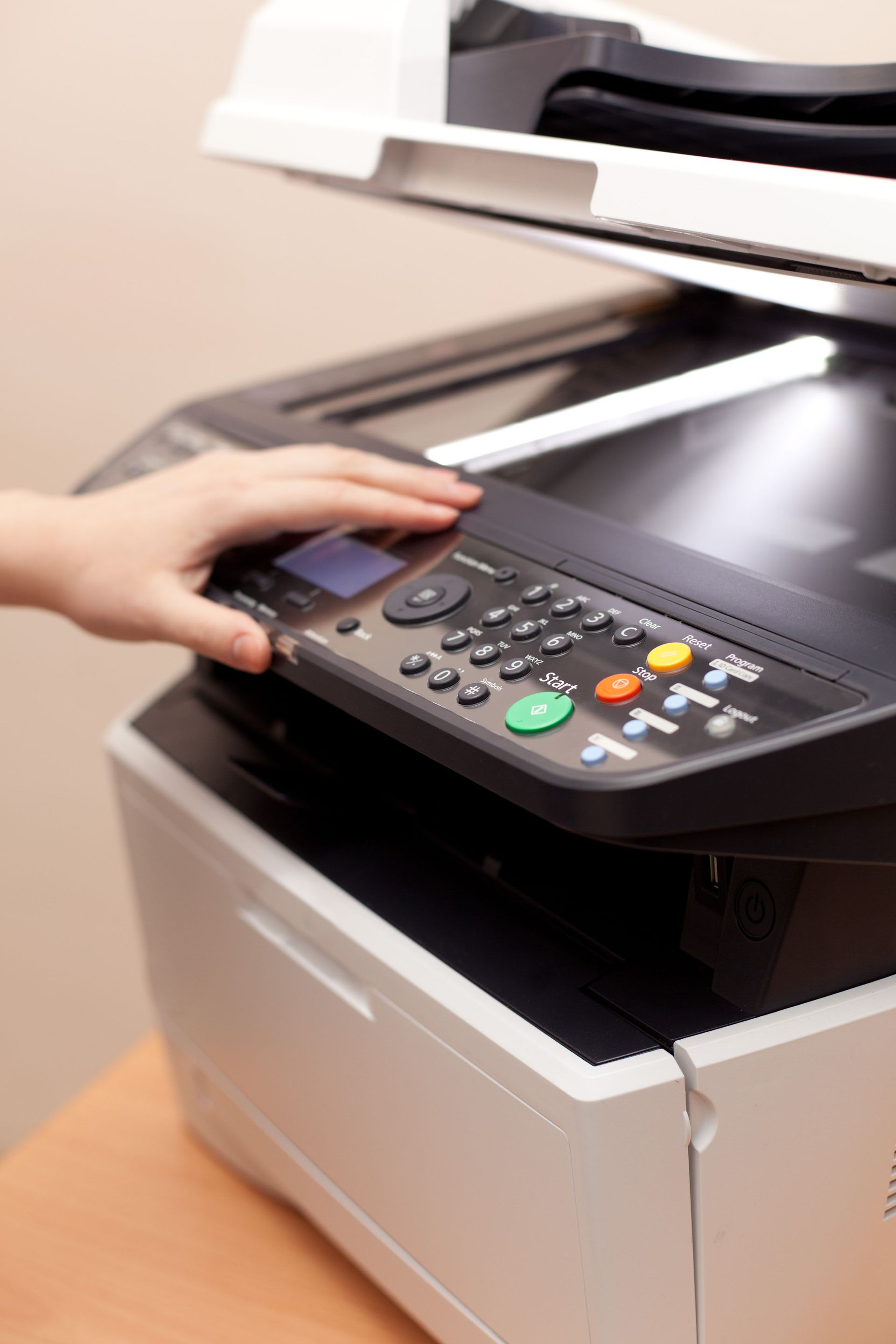
Modern desktop printing systems incorporate intelligent monitoring features designed to notify users well before a critical component completely runs dry. Electronic alerts typically appear on workstation software interface displays or directly on the physical control screen of the office machine. These proactive notification systems serve as an early advisory tool so administrative personnel can prepare replacement supplies well before complete operational stoppage occurs.
While equipment can often continue operating for a brief window after the initial notification appears, ignoring these system messages indefinitely leads to sudden output failure in the middle of crucial print tasks. Consistent low-level alerts indicate that internal sensors have detected severe powder depletion, meaning remaining page capacity is extremely limited. Monitoring these software prompts allows office managers to schedule supply replenishment calmly without experiencing unexpected workflow disruptions.
Ignoring system prompts until the machine halts production altogether risks damaging delicate internal roller systems due to excessive friction and static buildup. Swapping out the depleted unit for a fresh HP toner assembly as soon as repeated warnings occur preserves overall machine health and maintains uninterrupted productivity for everyone in the office environment.
4. Noticing Smudges on Final Documents
When print output leaves wet, powdery, or easily smudged residual marks on hands or surrounding sheets, internal powder fixing mechanisms are no longer working as intended. Crisp, permanent print output relies on precise heating and uniform pressure from internal units to set fine particles into paper fibers permanently. Depleted or degraded supplies can leak excess material inside the machine, preventing proper thermal bonding and leaving loose particles on the paper surface.
Smudged documents present an unappealing visual appearance, making text difficult to read and staining important client-facing presentations. Furthermore, loose powder escaping into internal gear assemblies can create unwanted friction, increase wear on moving mechanical components, and lead to recurring paper jams. Cleaning up loose internal debris consumes valuable staff time that would be far better spent on core business operations.
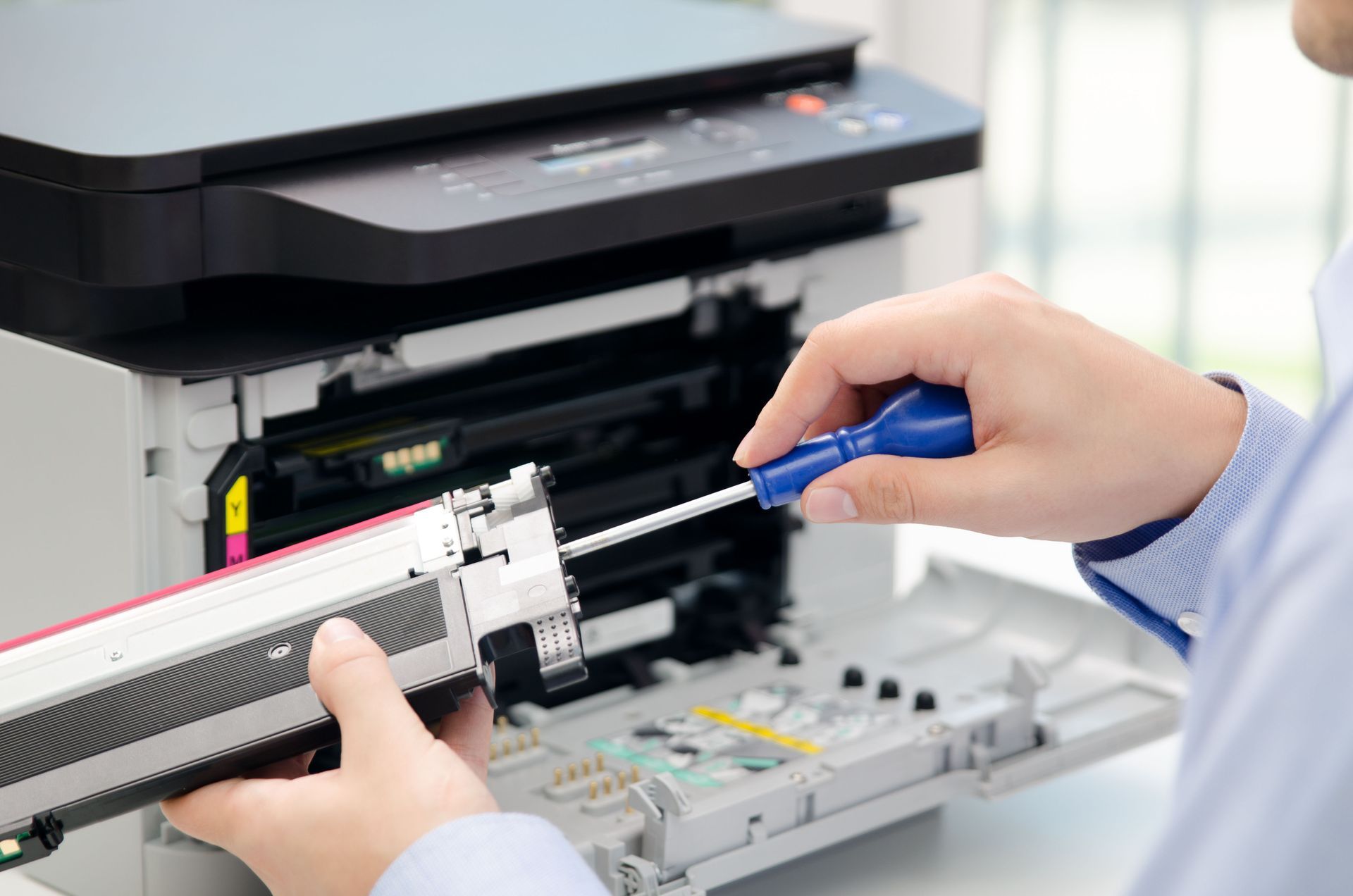
Addressing persistent smudges requires removing the failing assembly and carefully inspecting the internal cavity for stray particles. Installing a fresh HP toner unit eliminates unwanted powder leakage entirely, ensuring every printed page leaves the machine completely clean, dry, and permanently fused for immediate distribution.
5. Spotting Uneven Color and Contrast Levels
For modern offices that rely on multi-color printing or nuanced grayscale graphics, balanced distribution across all shades is essential for clear communication. Depleted supplies rarely empty uniformly across the full width of the internal drum assembly. As a direct result, one side of a printed page may display dark, sharp images while the opposing side appears faded, thin, or completely missing fine detailing.
Uneven contrast levels alter visual charts, technical diagrams, and branded graphics, making essential data hard for clients or team members to interpret accurately. This structural imbalance often forces administrative personnel to reprint documents multiple times, wasting paper and unnecessary labor in an ongoing effort to achieve acceptable output quality. Recognizing uneven shade distribution as a clear symptom of supply exhaustion saves time, effort, and physical paper.
Promptly replacing aging components resolves density imbalances and returns your office equipment to peak optical performance. A new HP toner cartridge restores uniform color coverage across every page, ensuring every graphic, chart, and text block prints with full clarity from edge to edge without variance.
Recognizing the early warning signs of supply depletion helps maintain consistent document quality and prevents frustrating administrative downtime. From faded text and dark streaks to constant software alerts and smudged pages, addressing minor print flaws proactively ensures your daily office operations run smoothly and efficiently without unexpected operational delays. If you are ready for exceptional print clarity and seamless office performance, contact us at Laser Pro Company today. We will help you select the ideal printing supplies for your specific equipment needs and ensure your workplace remains productive every day.